App Screenshots
×
![Preview]()


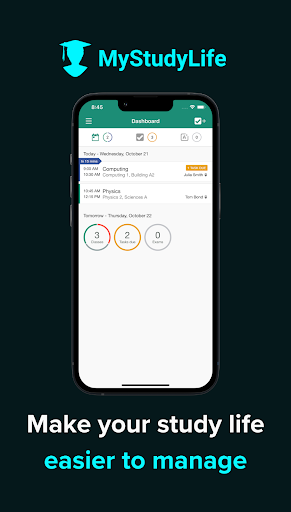
MyStudyLife helps students stay organized with class schedules, reminders, and cross-device syncing for offline use.
Join a community of millions of students worldwide using MyStudyLife to get and stay organized. Track your classes, studying, homework, and exams, and get reminders when you need them.
The MyStudyLife schedule app can also be accessed on the web and syncs seamlessly between your phone and computer. This means you can use MyStudyLife anywhere, on any device.
“Staying organized is a critical part of being a disciplined student, and the MyStudyLife app is an excellent organizer.” — The New York Times
“MyStudyLife is one of our top organization apps for students. You can use this app to note everything that happens during your day, including new class projects, tests, course schedules and more.” — Forbes
“MyStudyLife is a great study planner app.” — Hindustan Times
Why MyStudyLife’s student planner?
This school organizer and study planner offers features that make it easier to manage your classes, assignments, and deadlines:
Daily Schedule Planner
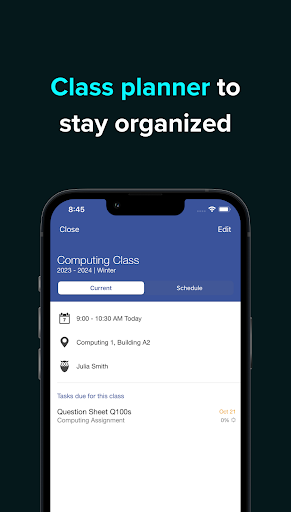
At the core of MyStudyLife is a schedule maker that lets you manage all of your classes and activities in one place. With MyStudyLife’s student planner, you can create a custom calendar that reflects your school schedule, complete with reminders and notifications to help you stay on track. Whether you're juggling multiple classes or a part-time job, MyStudyLife makes it easier to manage your time and stay focused on your goals.
School Planner / Study Planner
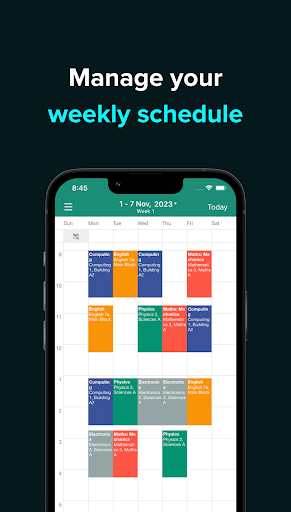
MyStudyLife supports rotation class schedules as well as traditional weekly student calendars. It allows you to enter your school subjects, organize your classes, and add information about your lessons so you can keep track of your school calendar more easily.
Weekly Planner
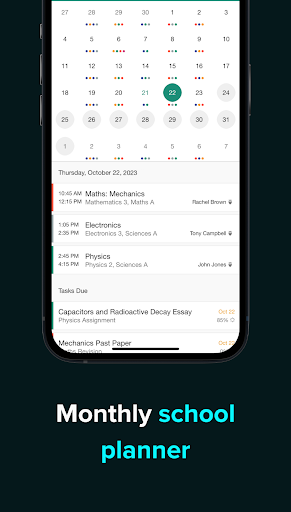
Organize your schedule and workload using the weekly planner. See upcoming classes, tasks, events, and exams all in one view. If you want to plan further ahead, you can use the monthly schedule organizer to see when your schedule is busiest.
Homework Organizer
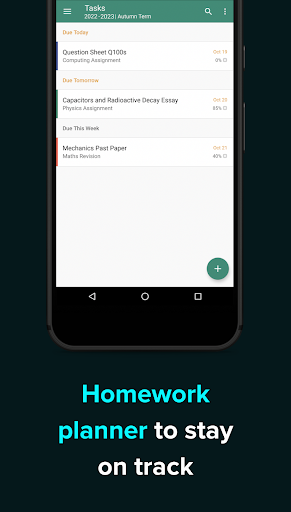
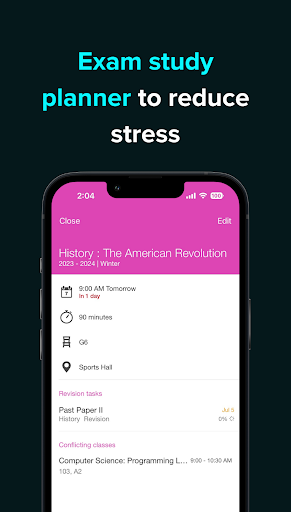
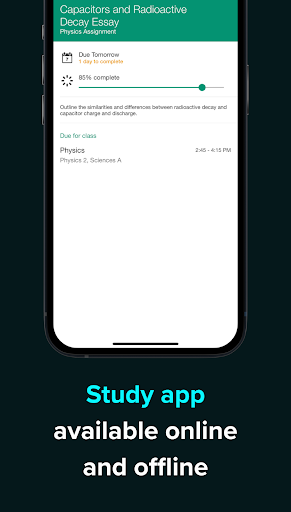
MyStudyLife is more than just a timetable app. It also includes a homework planner and study planner that helps you keep track of assignments and deadlines, so you can stay on top of your homework and avoid missing due dates. It also sends reminders before assignments are due to help you stay organized.
Anytime / Anywhere
Your data syncs instantly from your phone to your laptop or desktop computer, so MyStudyLife can be used anywhere on any device. Anything you add while offline is automatically saved and synced when you reconnect.
Not Just an Agenda
If you're looking for a powerful and intuitive school study planner app to help you stay on top of your academic life, MyStudyLife is a strong choice. Download it today and take the first step toward better grades and academic success.