
App Screenshots

×
![Preview]()

Minecraft Education is a classroom-friendly game-based learning platform with lessons in reading, math, history, and coding, designed for collaboration.
This app is for school and organizational use.
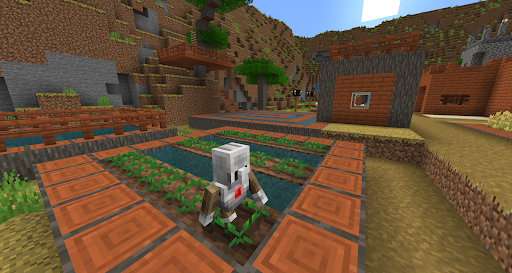
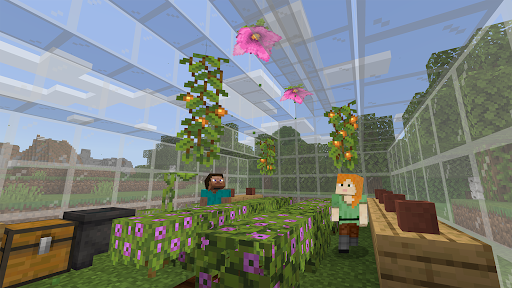
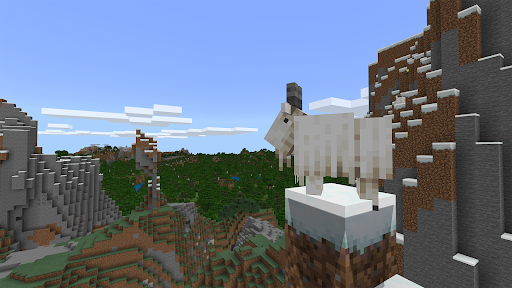
Minecraft Education is a game-based platform that inspires creative, inclusive learning through play. Explore blocky worlds that unlock new ways to tackle any subject or challenge.
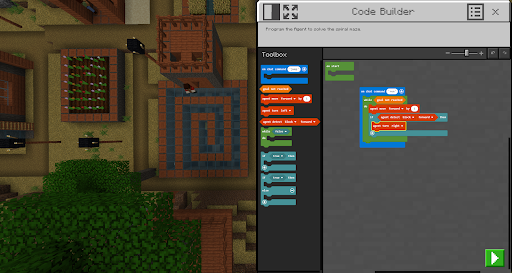
Dive into subjects like reading, math, history, and coding with lessons and standardized curriculum designed for all types of learners. Or explore and build together in creative open worlds.
Use It Your Way
With hundreds of ready-to-teach lessons, creative challenges, and blank canvas worlds, there are lots of ways to make Minecraft Education work for your students. It’s easy to get started, and no gaming experience is necessary.
Prepare Students for the Future
Help learners develop key skills like problem solving, collaboration, digital citizenship, and critical thinking to help them thrive now and in the future workplace. Spark a passion for STEM.
Game-Based Learning
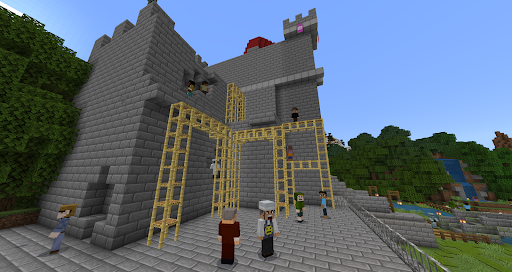
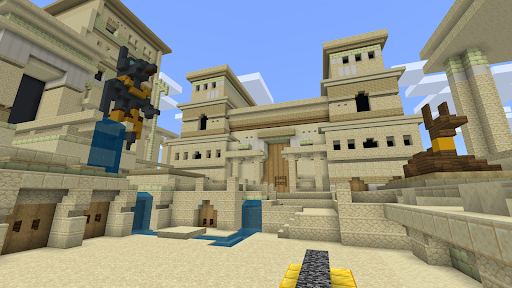
Unlock creativity and deep learning with immersive content created with partners including BBC Earth, NASA, and the Nobel Peace Center. Inspire students to engage with real-world topics through culturally relevant lessons and build challenges.
Key Features
Minecraft Education licenses can be purchased with Admin access to a Microsoft 365 Admin Center account. Talk to your Tech Lead for information on academic licensing.
Terms of use: The terms that apply to this download are the terms that were presented when you purchased your Minecraft Education subscription.
Privacy policy: https://aka.ms/privacy